This test post was generated using the block theme Emptytheme in WordPress 6.1.1.
Navigation block with page list:
Site logo:
Site title:
Digital Depot
Tagline block:
My WordPress Blog
Query loop “Title & Date” variation:
-
Template: Sticky
-
Hello world!
-
WP 6.1 Font size scale
-
WP 6.1 spacing presets
Query loop “Title & Excerpt” variation:
-
Template: Sticky
This is a sticky post. There are a few things to verify: The sticky post should be distinctly recognizable in some way in comparison to normal posts. You can style the .sticky class if you are using the post_class() function to generate your post classes, which is a best practice. They should show at the…
-
Template: More Tag
This content is before the more tag. Right after this sentence should be a “continue reading” button of some sort on list pages of themes that show full content. It won’t show on single pages or on themes showing excerpts.
-
Template: Excerpt (Defined)
This is a user-defined post excerpt. It should be displayed in place of the post content in archive-index pages. It can be longer than the automatically generated excerpts, and can have HTML tags.
-
Template: Excerpt (Generated)
This is the post content. It should be displayed in place of the auto-generated excerpt in single-page views. Archive-index pages should display an auto-generated excerpt of this content. Depending on Theme-defined filters, the length of the auto-generated excerpt will vary from Theme-to-Theme. The default length for auto-generated excerpts is 55 words, so to test the…
Query loop “Title, Date & Excerpt” variation:
-
Template: Sticky
This is a sticky post. There are a few things to verify: The sticky post should be distinctly recognizable in some way in comparison to normal posts. You can style the .sticky class if you are using the post_class() function to generate your post classes, which is a best practice. They should show at the…
-
Template: Comments
This post tests comments in the following ways. Threaded comments up to 10 levels deep Paginated comments (set Settings > Discussion > Break comments into pages to 5 top level comments per page) Comment markup / formatting Comment images Comment videos Author comments Gravatars and default fallbacks
-
Template: Comments Disabled
This post has its comments, pingbacks, and trackbacks disabled. There should be no comment reply form, but should display pingbacks and trackbacks.
-
Template: Pingbacks And Trackbacks
This post has many pingpacks and trackbacks. There are a few ways to list them. Above the comments Below the comments Included within the normal flow of comments
Query loop “Image, Date & Title” variation:
-
Template: Sticky
-
Block: Columns
-
Block: Quote
Avatar block:

Post title block:
WP 6.1 Theme block category
Post excerpt:
This test post was generated using the block theme Emptytheme in WordPress 6.1.1. Navigation block with page list: Site logo: Site title: Tagline block: Query loop “Title & Date” variation: Query loop “Title & Excerpt” variation: Query loop “Title, Date & Excerpt” variation: Query loop “Image, Date & Title” variation: Avatar block: Post title block:…
Post featured image:
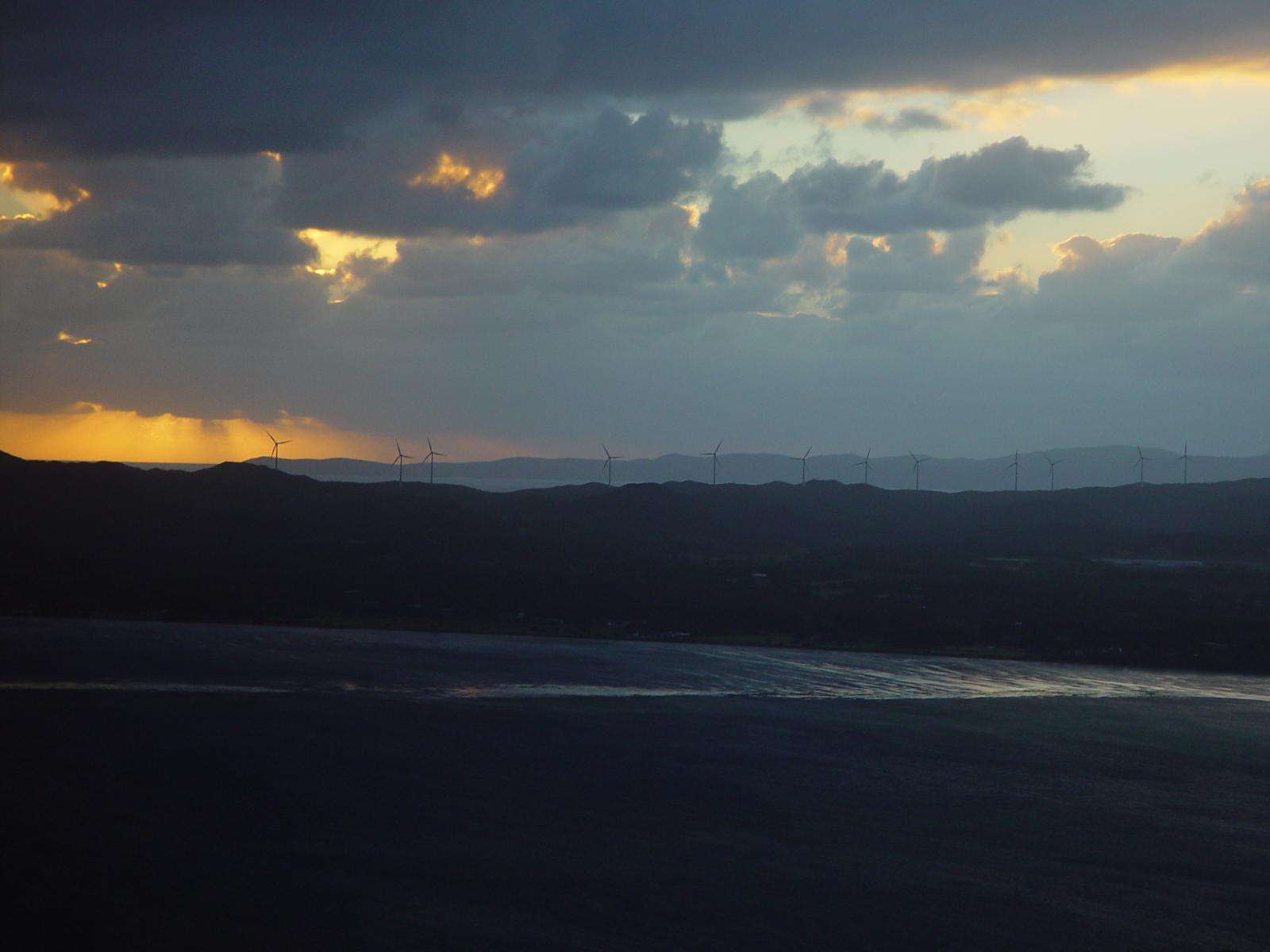
Post author:

Post date:
Categories:
Tags:
Next post & previous post:
Read More:
Read more: WP 6.1 Theme block categoryComments block:
One response to “WP 6.1 Theme block category”
-
This test post needs a comment.

Post comments form block:
Leave a Reply
Login/out:
Author biography block:
Term description, archive title, search results title can not be shown on single posts.
Leave a Reply